
Launch your app with Tapcart
Given your business's size, you won't need an implementation team or a long onboarding process. Tapcart's no-code platform lets you build and launch on your own, right now.
Shopify's fastest-growing brands are investing in owned customer experiences, and these days, that experience lives on mobile. See exactly how it works in the videos below, and how you can launch your own app in less than two weeks.

.png)







Learn From Brands Like Yours
You don't have to figure this out from scratch. Here's how three growing Shopify brands used Tapcart to build an app that actually moved the needle.

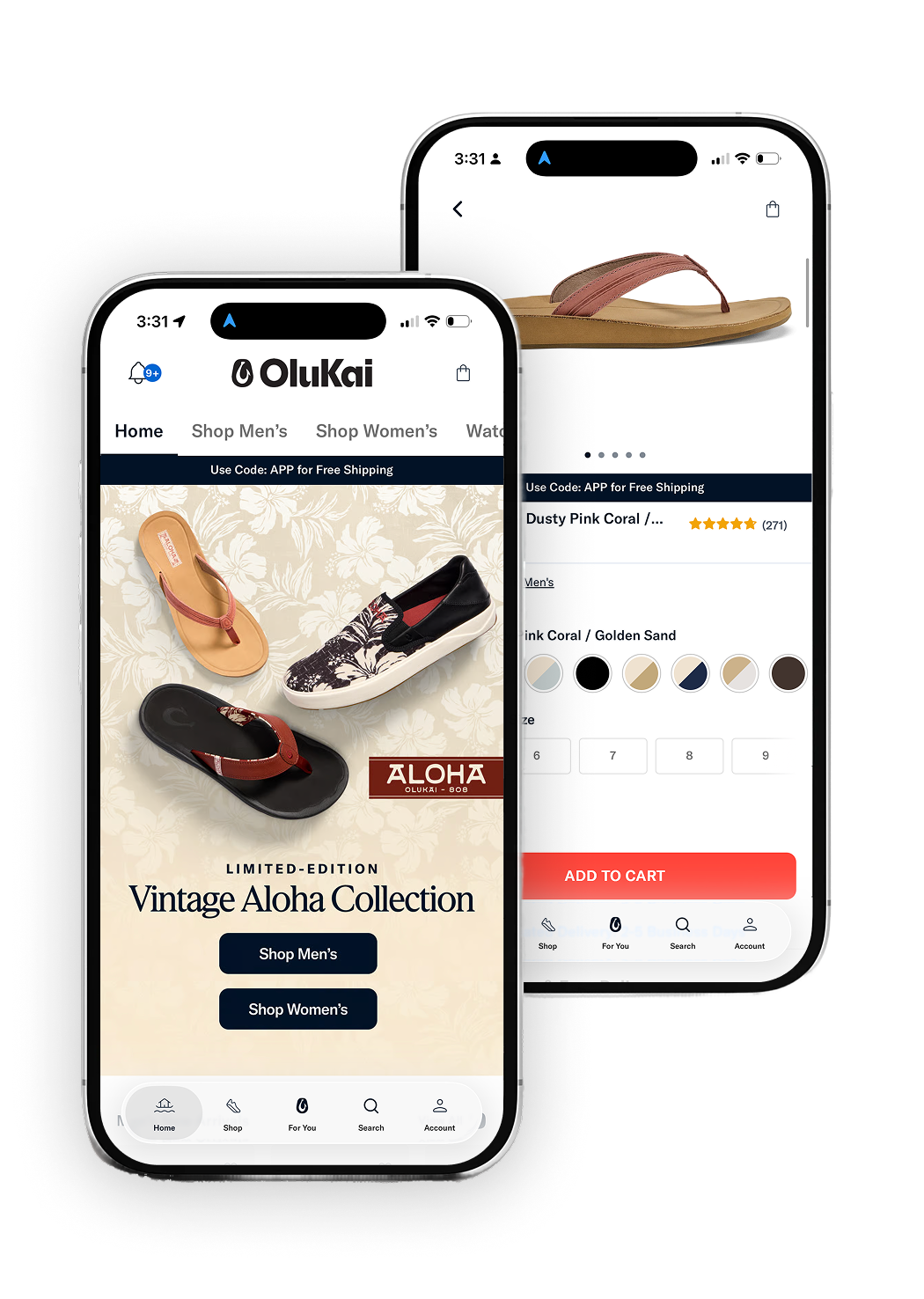
Challenge Build a mobile experience that told a real brand story and drove new customer growth without leaning on discounts.
What they did Used App Studio to design campaign-specific landing pages for product launches, and used Capture Kit QR codes to drive downloads from email, SMS, and paid social. Made the app worth downloading with early access to drops and exclusive content instead of discount codes.
Result
21%
142%
40%+


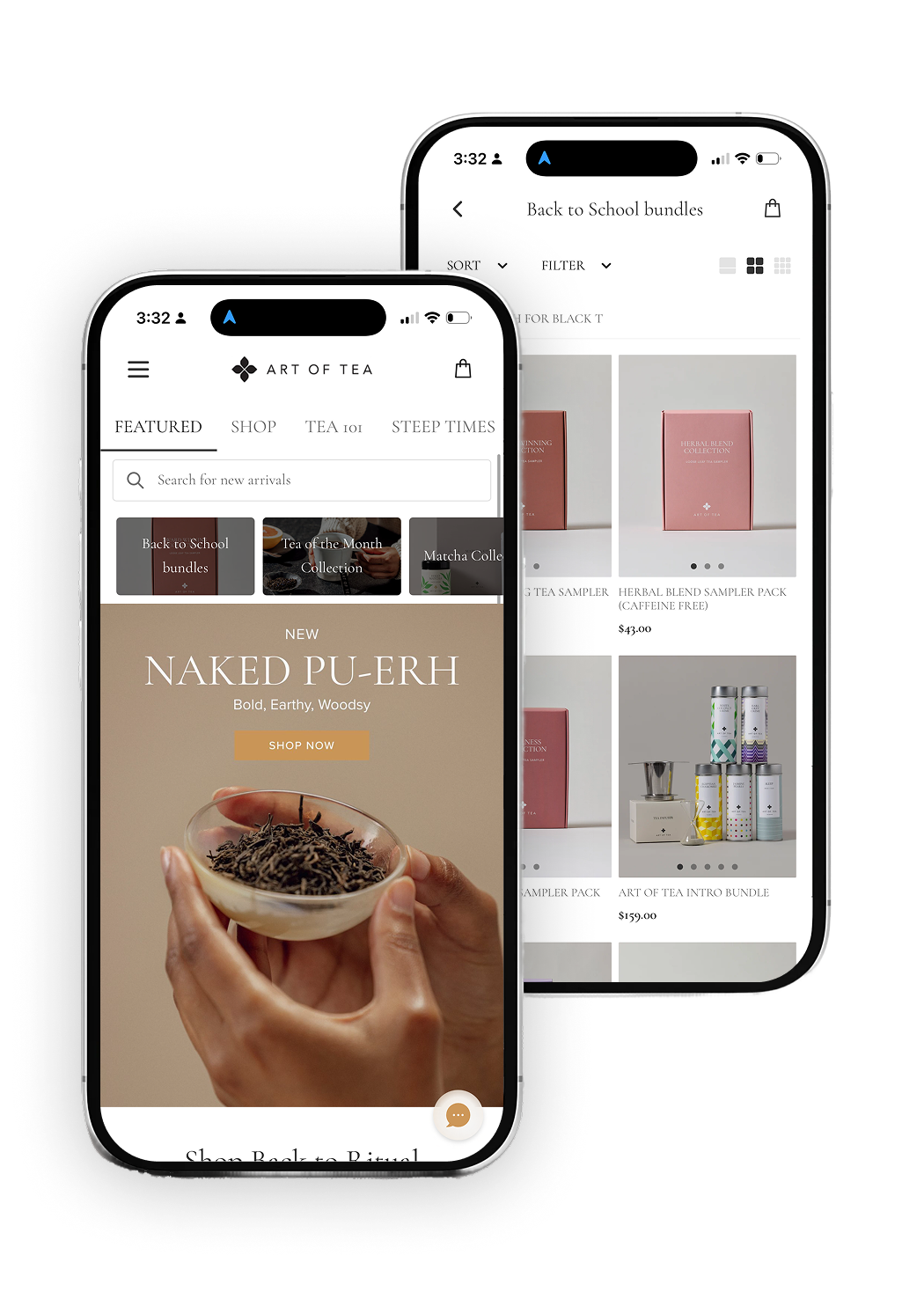
Challenge Mobile traffic wasn't converting, and customers were struggling to navigate the mobile site.
What they did Launched with a soft rollout, offering the app first to loyal customers with a discount code to gather feedback before pushing it more broadly.
Result
3.4x
4.6x

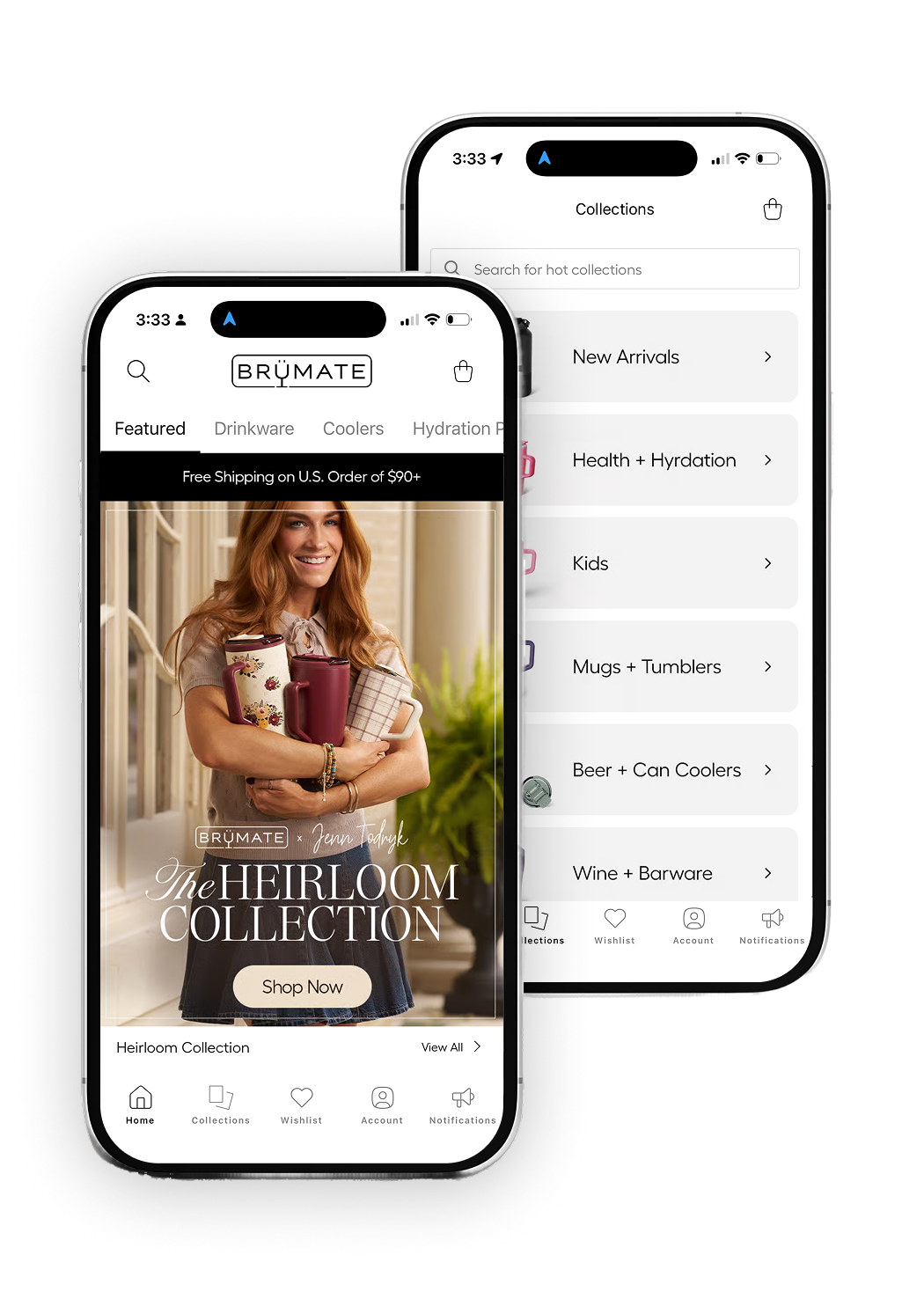
Challenge Rising customer acquisition costs and heavy reliance on paid social made growth unpredictable.
What they did Made push notifications their primary engagement channel, and used app-exclusive discounts, colorways, and early access to new collections to drive downloads and repeat visits.
Result
10%+
56%
43%
Get Started
Building your app is simple and quick. You won't need a dedicated implementation team or a long onboarding process to get started. Tapcart's no-code tools put you in the driver's seat, so you can go from setup to live app in days, on your own schedule. Here's how to get started.
Install Tapcart from Shopify app center

‑ Mobile App Builder



Frequently asked questions
Tapcart exclusively supports ecommerce stores built on Shopify.
Tapcart offers real-time data synchronization with Shopify, ensuring that the mobile app is always up-to-date with the website. In other words, Tapcart integrates into the backend of your Shopify API. This allows your app to pull in all your assets in real-time, including products, descriptions, images, prices, and inventory so you don’t have to upload things to two different platforms.
You can view our pricing structure here — we have flexible plans, aligned to your success.
Tapcart is a monthly subscription. No credit card is required, as you are charged directly through Shopify on your monthly invoice.
To launch your iOS app, you will need the following:
LLC, S-Corp, or C-Corp for your business or equivalent in your respective country (e.g., LTD in UK or GmbH in Germany)
DUNS number: a unique business identifier provided by Dun & Bradstreet
Apple Developer Account ($99 annual fee)
To launch your Android app, you will need the following:
Google Android Account (a $25 one-time fee)
Our platform makes it easy to migrate and update your current app, and retain all users and push notification subscribers. Just like any app submission, our onboarding specialist will submit your app as an update.
No, there will be no Tapcart branding in your app. Tapcart is a white-label mobile app solution for ecommerce.
Tapcart’s drag-and-drop platform makes it easy to design and update your mobile app to align with your branding and marketing campaigns.
Check out our App Design Articles to learn the best practices for creating a holistic branded experience for your community. With our help articles you will learn how to customize your app theme, in-app pop-ups, and PDP, and how to schedule design changes.
Check out our Inspiration Center to explore our library of real-world designs from top Shopify brands who use Tapcart to power their mobile shopping apps.
Yes! Tapcart’s Developer Tools empower brands to create custom and complex storefronts tailored to their specific needs – using HTML, CSS, and JavaScript code, custom APIs, and embedded web features. This advanced flexibility is only available on our Enterprise plan.
Get best practices on how to drive app downloads and grow your push subscriber base.
Our Integrations Dashboard lets you seamlessly connect to your favorite tools with the click of a button. Here’s a complete list of the integrations Tapcart supports.
Tapcart’s analytics dashboard called Insights Pro provides a variety of data points that will allow you to reach and engage your customers more effectively.
Yes! Tapcart will appear under your Sales Channels as ‘Tapcart - Mobile App’. There, you can see all your app orders.
We support every country, and your mobile app will reflect your Shopify store's default currency.
You can switch plans at any time from your Tapcart dashboard under the ‘Settings’ tab. When upgrading or downgrading your plan, you will receive either a pro-rated charge or a refund.
Reach out to our awesome Customer Success team by emailing help@tapcart.co. They will get back to you in 24-48 business hours.


