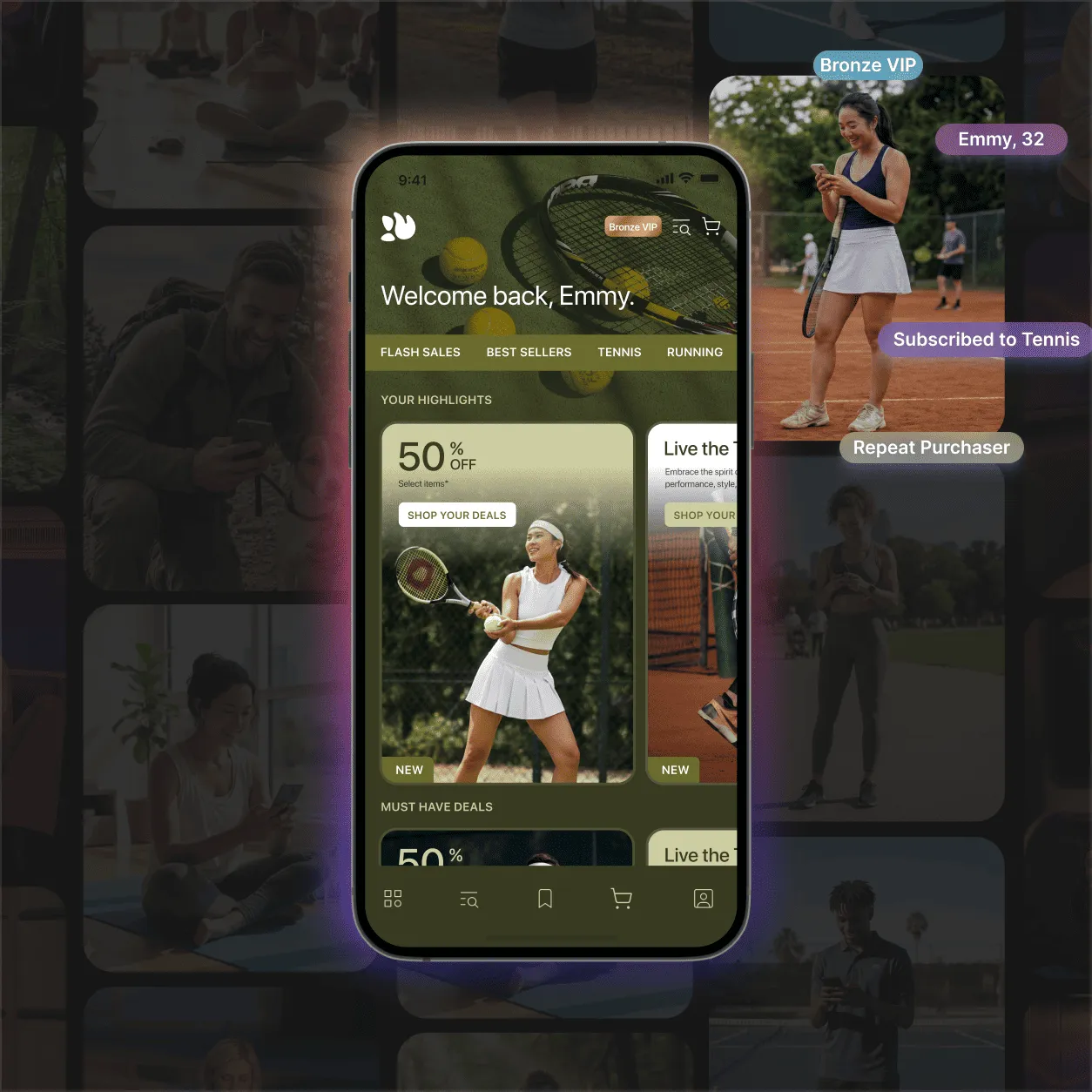
A Personal Storefront for Every Shopper









An App That Runs Itself,
With You at the Wheel
Tapcart AI ends one-size-fits-all commerce. Using millions of behavioral and transactional data points, it creates and publishes every push, offer, and feed for you. The result? Better engagement, conversion, and retention with less work for you.
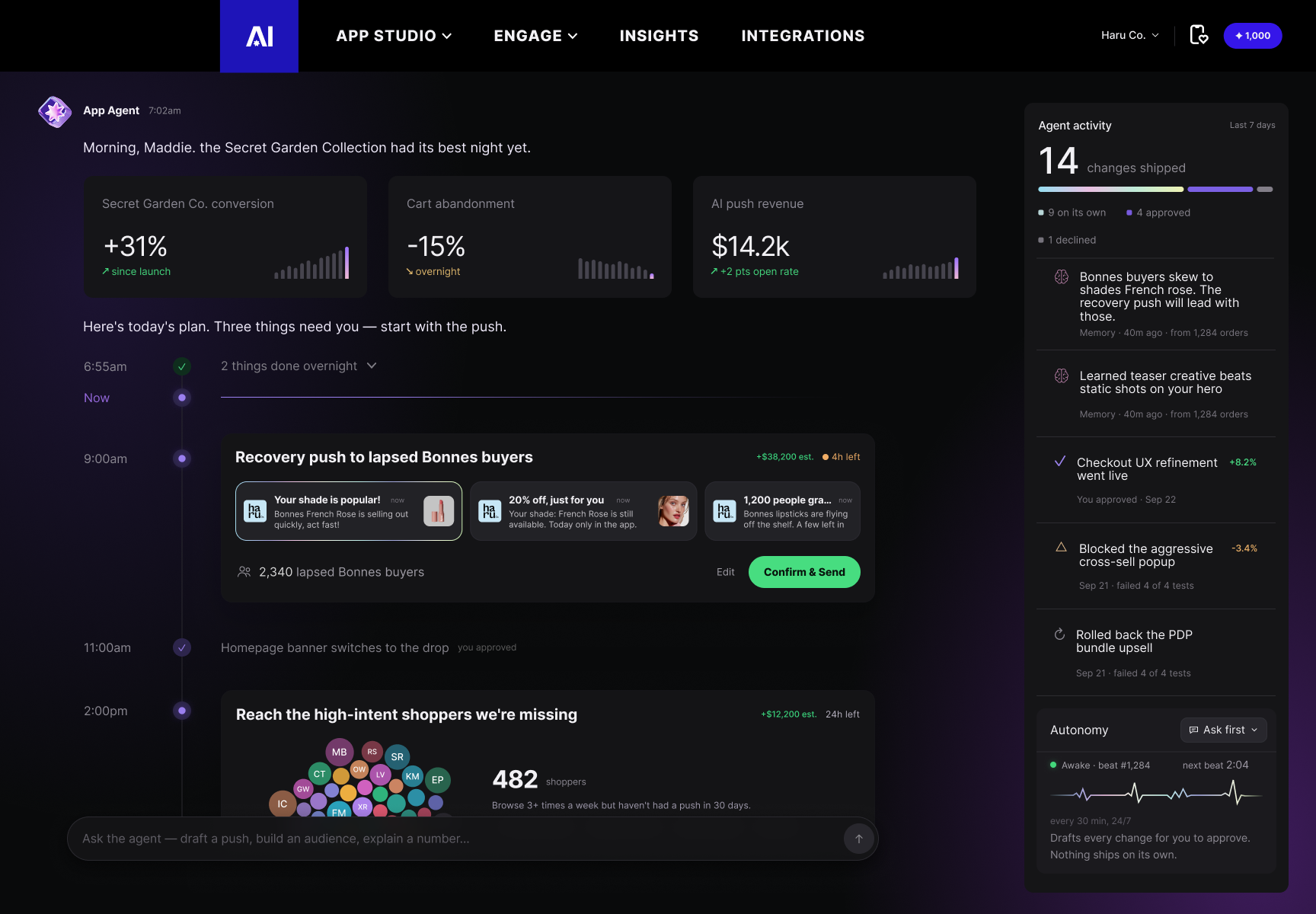
Your always-on growth agent.
App Agent is the AI that powers Tapcart AI. It watches your app 24/7, spots trends and anomalies as they happen, builds Smart Segments, and drafts campaigns and assets for you. Every morning you get a daily summary with an action plan. You choose how much it does on its own, from approving every change to letting it run fully autonomously

Make Push Automatic
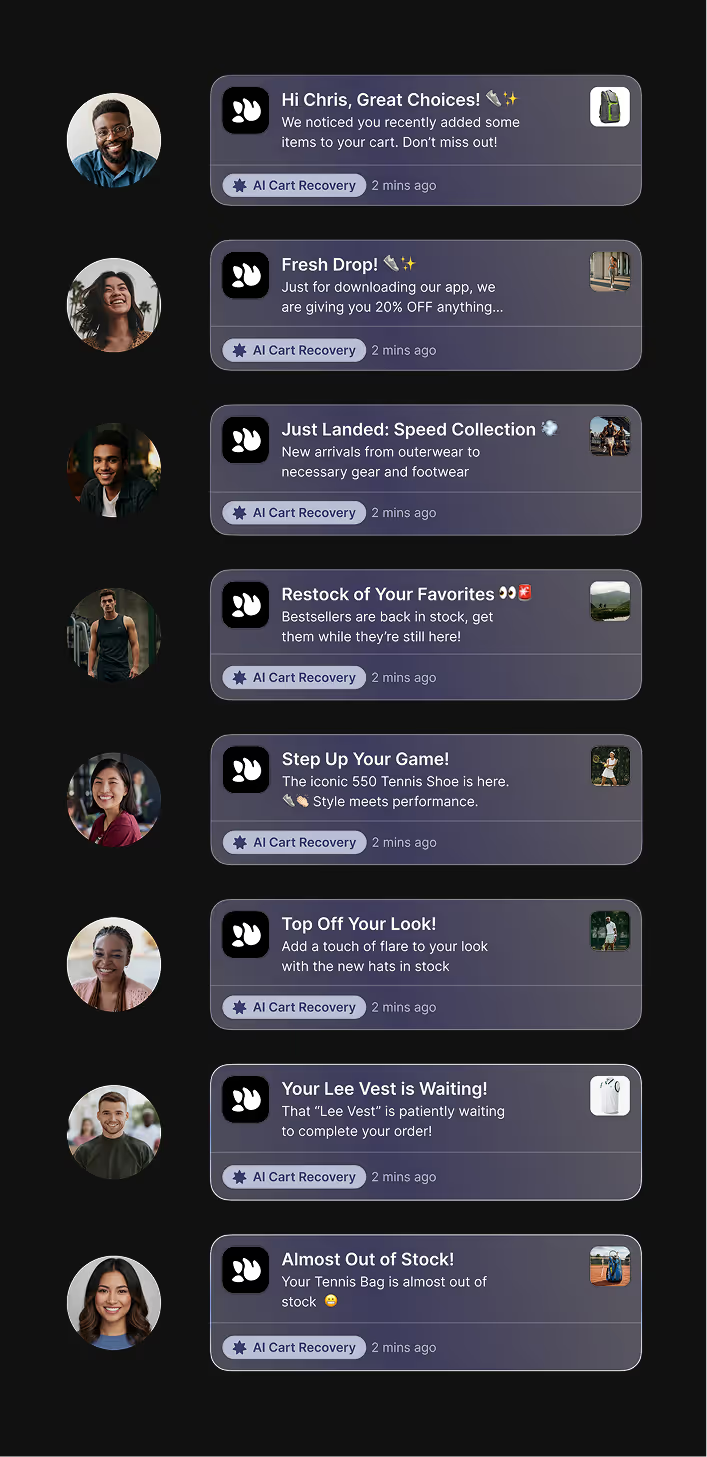
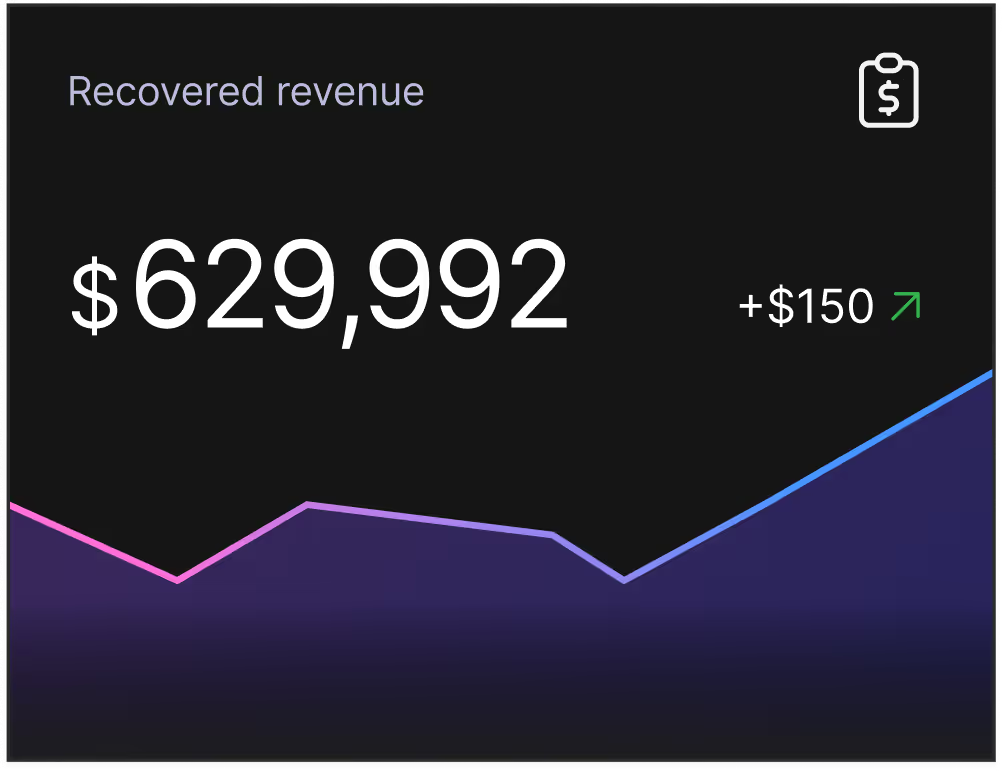
Powered by App Agent, AI Push Notifications create and send thousands of personalized, high-performing notifications your customers actually want to open. Behavior-based triggers recover revenue with timely, on-brand messages for each shopper, without you lifting a finger. AI push averages 4x the click-through rate of standard push.

A Personalized Shopping Feed for Every Shopper
For You Feed surfaces products, collections, and content ranked uniquely for each shopper. It learns from searches, taps, cart adds, and returns, and adapts in real time as they browse. First-time visitors select preferences and see personalized results instantly. Powered by App Agent, the same AI behind your push notifications, it runs 24/7. No homepage updates. No layout refreshes. Discovery works while you sleep.
Build Your App with Gen AI
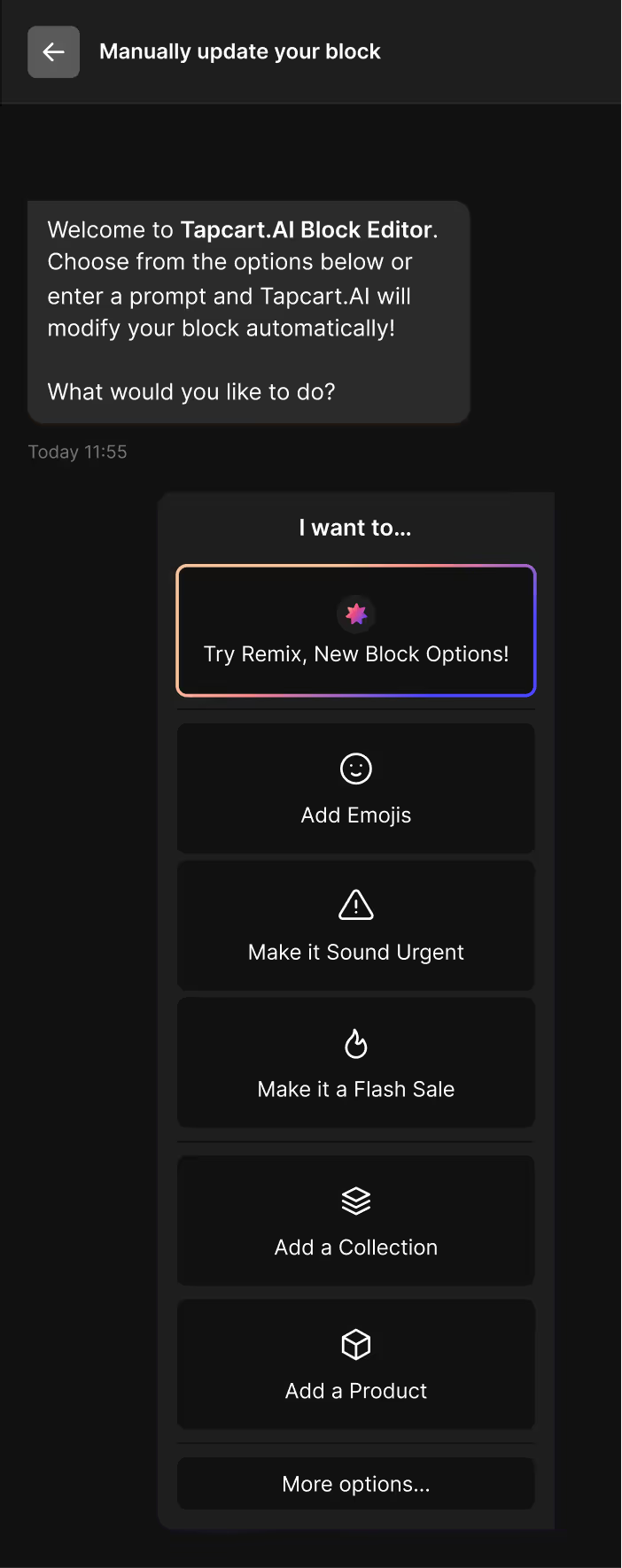
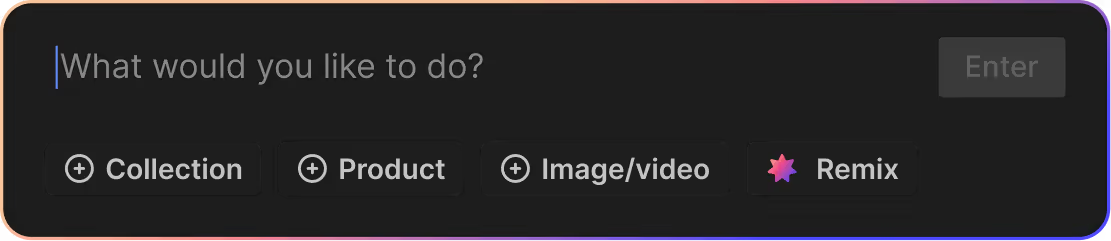
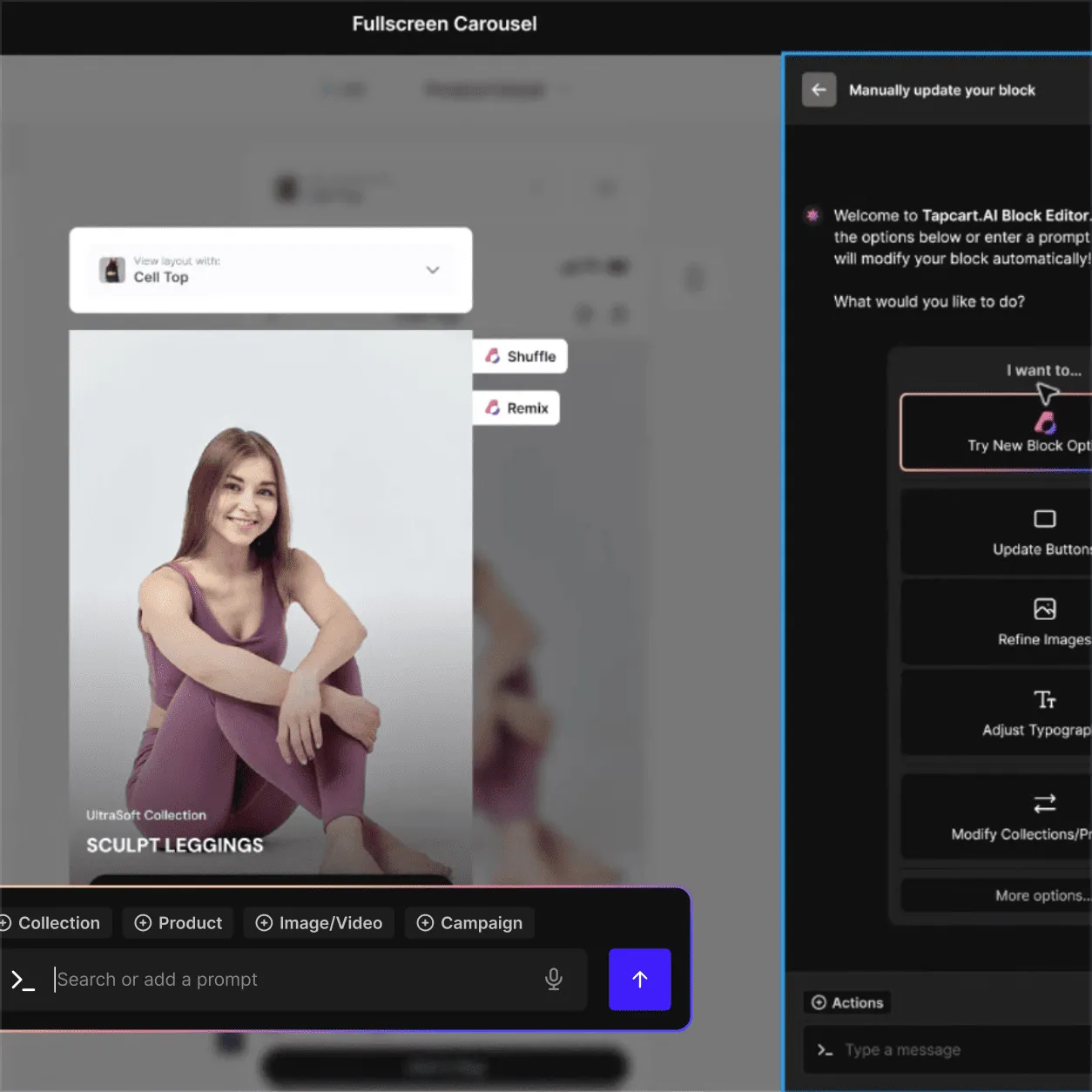
App Studio AI speeds up your app-building workflow, so you can publish, refine, and update suggested blocks quickly with Gen AI. Prompt to build the same way you would use Gemini or ChatGPT, but with your brand and customer preferences built in. App Agent works right inside the block editor, so you build faster and get time back for strategy.
Your Products in Any Scene – Instantly
Create high-quality lifestyle imagery in seconds. With AI Scenes, upload a product or model image and instantly place it into curated environments using Tapcart’s templates. No more photoshoots and no delays when you generate new assets directly in App Studio and publish them straight to your app.
Instantly Turn Static Images into Video
Videos are proven to boost add-to-carts by up to 144%, and product pages convert up to 80% higher with video vs. those without (source: Commerce UI). Now you can turn your product images into videos with just a few clicks – right in your existing App Studio workflow. What once cost thousands of dollars and took weeks to develop can now happen for you in seconds.